



Building your own PC is rewarding and lets you choose every part. With a bit of method, a first build takes 2 to 3 hours.
What you need
- A Phillips screwdriver (PH2) and ideally an anti-static wrist strap.
- A large, well-lit table and the motherboard and case manuals.
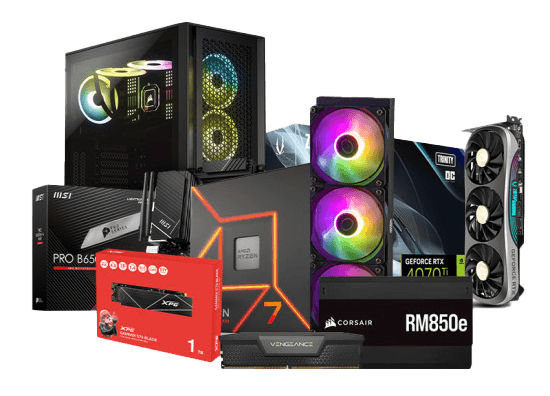
- Your parts: CPU, motherboard, RAM, SSD, graphics card, power supply, case and cooler. Our PC configurator checks compatibility before you buy.
Step 1: prepare the motherboard outside the case
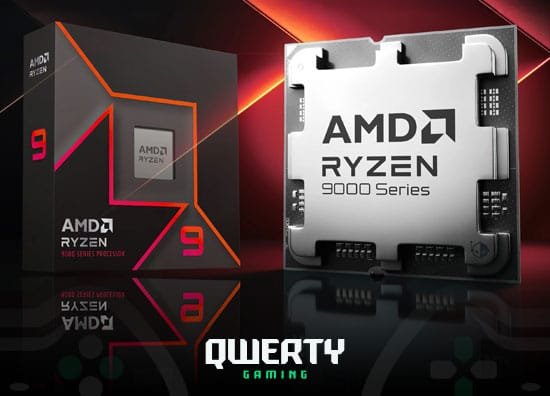
- Install the CPU: lift the socket lever, align the gold triangle, drop it in without force, close the lever.
- Install the NVMe SSD in the M.2 slot and secure it.
- Install the RAM in the slots recommended by the manual (often A2 and B2).
- Mount the cooler; thermal paste is usually pre-applied.
Step 2: mount the motherboard
Check the standoffs, fit the I/O shield if needed, and screw the board in without over-tightening.
Step 3: power supply and cables
Install the PSU, then connect the 24-pin motherboard cable and the 8-pin CPU cable.
Step 4: graphics card
Remove the slot covers, insert the card into the top PCIe x16 slot until it clicks, screw it in and plug in its power cable fully.
Step 5: front panel connectors
Power button, LEDs, front USB and audio: follow the motherboard manual’s diagram carefully.
First boot
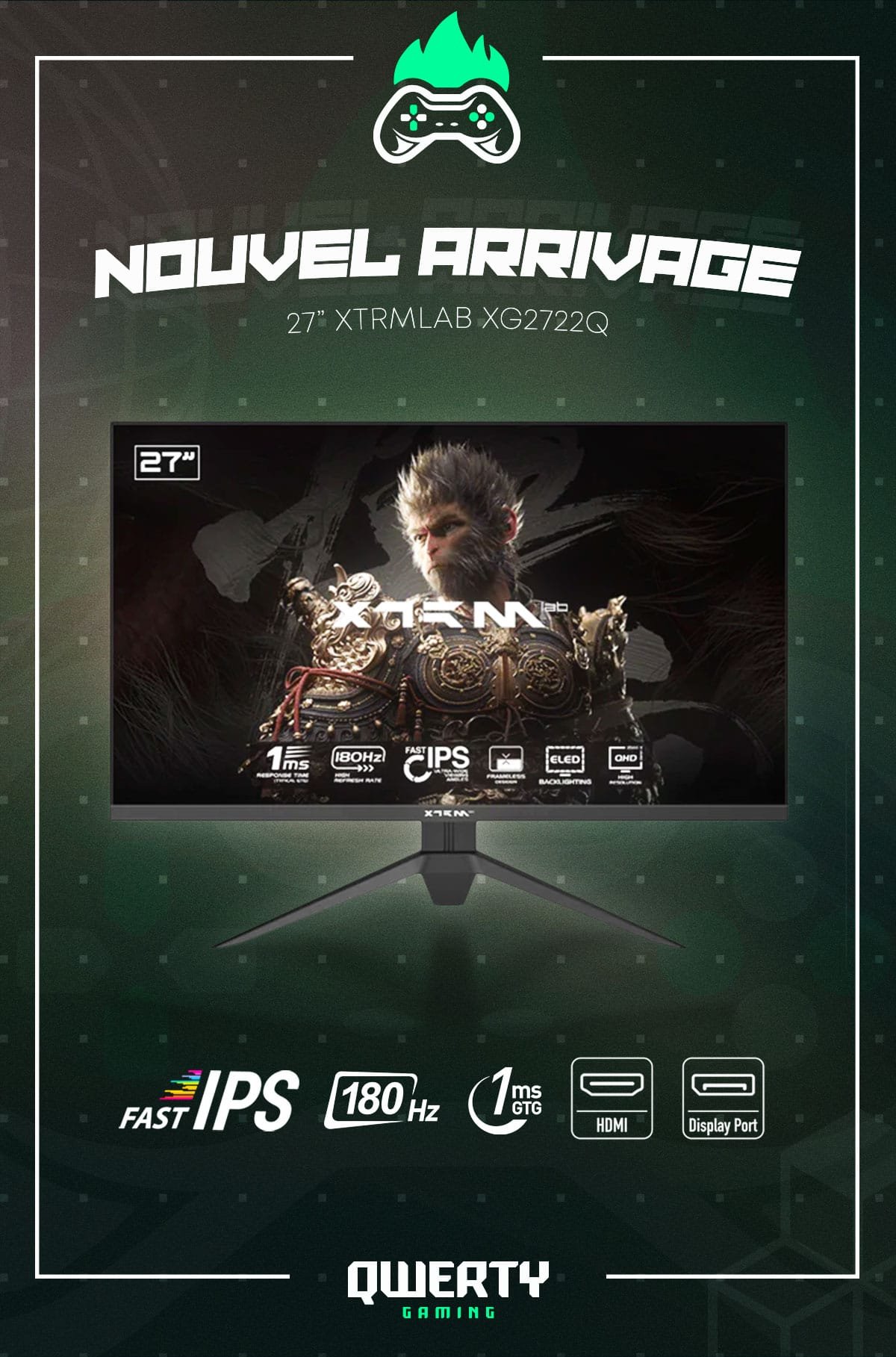
- Plug the monitor into the graphics card, not the motherboard.
- The first boot can take up to a minute while memory trains.
- Enable EXPO (AMD) or XMP (Intel) in the BIOS, then install Windows and the latest GPU drivers.
Prefer a ready-to-play machine? Our gaming PCs are assembled, cable-managed and tested before shipping.
Need personal advice? Our team in Nador will help you pick the right setup for your budget: message us on WhatsApp at +212 601 120 307 or build your PC with our PC configurator. Delivery everywhere in Morocco, cash on delivery.